How Digital Business Cards Boost Sales Efficiency: 5 Key Workflows
Deals are often won after the meeting. Here are the five workflows, from exchanging and saving to updating, booking and following up, where sales teams feel the biggest difference with digital business cards.

Sales reps swap business cards every day, but what really speeds up a deal is the few hours after the exchange. Did the prospect save you to their phone? Can they find you when they need a quote? Can you sort your leads the same day? Paper cards don’t help with any of this, and that’s exactly where a digital business card shines. Here are the five workflows, from exchanging and saving to updating, booking and following up, where sales teams feel the difference most after switching to digital business cards.
1. Exchange: Share Complete Details at the First Meeting
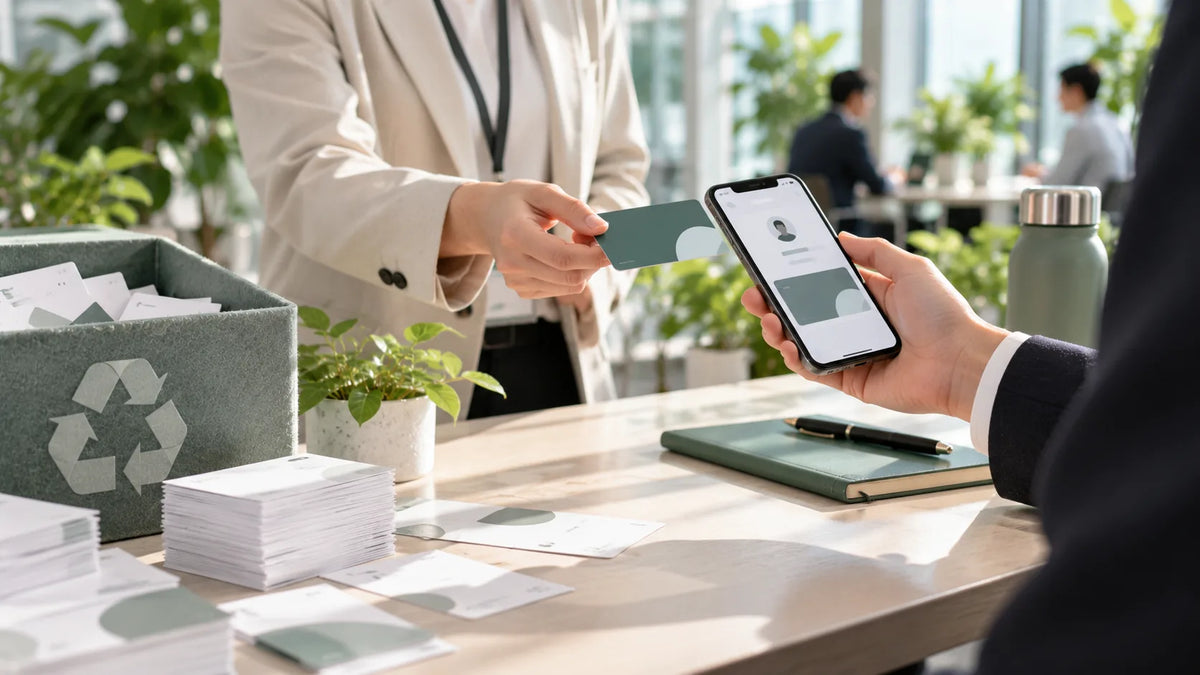
A digital business card can be shared by NFC tap, QR code or a simple link, and it opens right in the recipient’s mobile browser with no app to install. Unlike a paper card with room for little more than a phone number and email, a digital card can also hold your LINE, social profiles, website, online store and portfolio, so clients always have a next step to tap the moment they view your card.
2. Save: From “Taking a Card” to “Saved in My Phone” in One Step
The usual fate of a paper card is to sit in a card holder and never make it into anyone’s phone. With a digital business card, recipients can save your name, company, phone and email to their phone contacts in one tap, so they can find you later with a quick search.
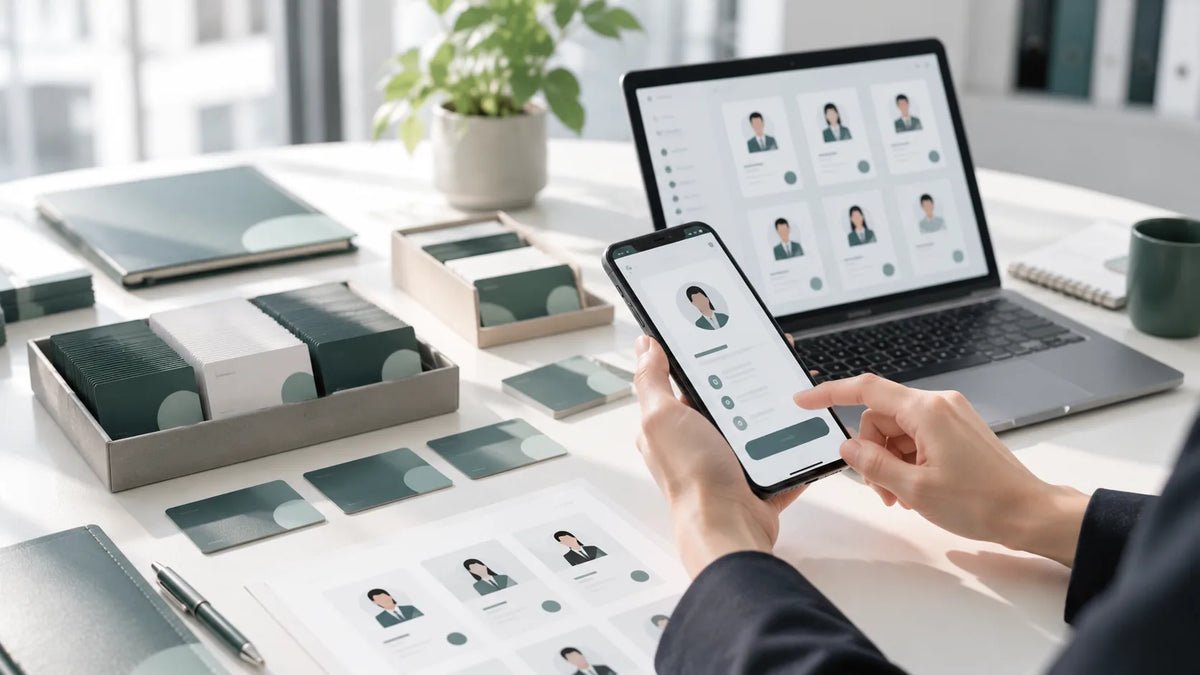
It works the other way, too: paper cards you receive no longer need to be typed in back at the office. The SPIDERCARD app, for example, includes business card scanning with OCR, so you can snap a photo to create a client record and file it in the app’s card holder.
3. Update: New Title or Number? No Reprint Needed
A promotion, a department change or a new extension means reprinting a whole box of paper cards, while the old ones keep circulating outdated details. Edit your digital business card in the app, and every card you’ve already shared shows the latest information, so clients never call a number that’s no longer in use.
4. Booking: Let Clients Schedule Straight from Your Card
Back-and-forth scheduling is a hidden cost that slows sales down. Add your services and available time slots to your card, and clients can pick a service, choose a time and submit a booking on their own. Reps save time on messaging and never lose an opportunity to a slow reply.
5. Follow-Up: Turn “We Exchanged Cards” into “We’re Talking”
- Sort the cards you collected the same day and rank them by how warm each conversation was
- Send a greeting the next day with your digital business card link, so it’s easy to forward to decision-makers
- Have the team share the same product brief and website links, so no one sends out a different version
- Teams on SPIDERCARD for Business can view viewing and engagement trends for employee cards in the admin console to fine-tune their follow-up strategy
The gap in sales efficiency is rarely about how many people you meet. It’s about what you do after you meet them.
Start with a Small Pilot
If your team is evaluating digital business cards, start with one sales group for one to two months. Compare the time from card exchange to first reply, and the number of times clients reach out on their own, before and after the switch, then decide whether to roll it out company-wide. The free Personal version of SPIDERCARD lets you create and share a card at no cost; when you need to manage cards for multiple employees, SPIDERCARD for Business offers a 14-day free trial. Further reading: After the Card Exchange: 4 Steps to Keep Contact Data Flowing.