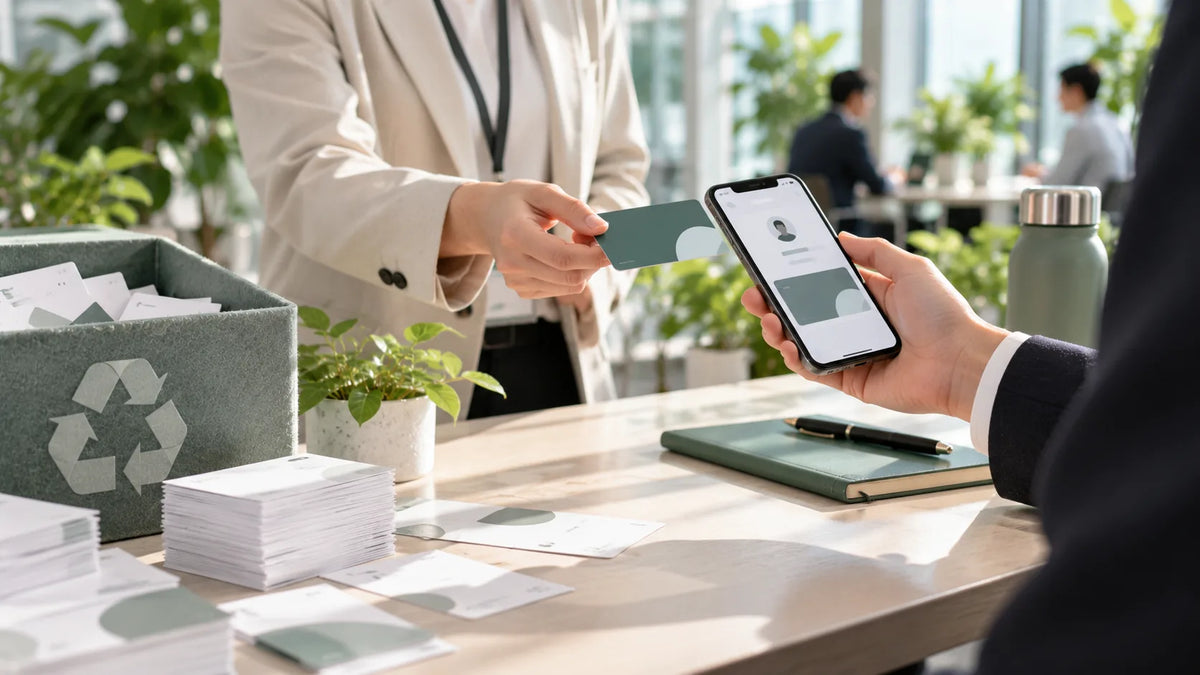
NFC Business Card Compatibility FAQ: Which Phones Can Read It?
Whether an NFC business card works often depends on the other person’s phone. Here are supported iPhone and Android models, where to tap, whether an app is needed, and what to do when it won’t read.
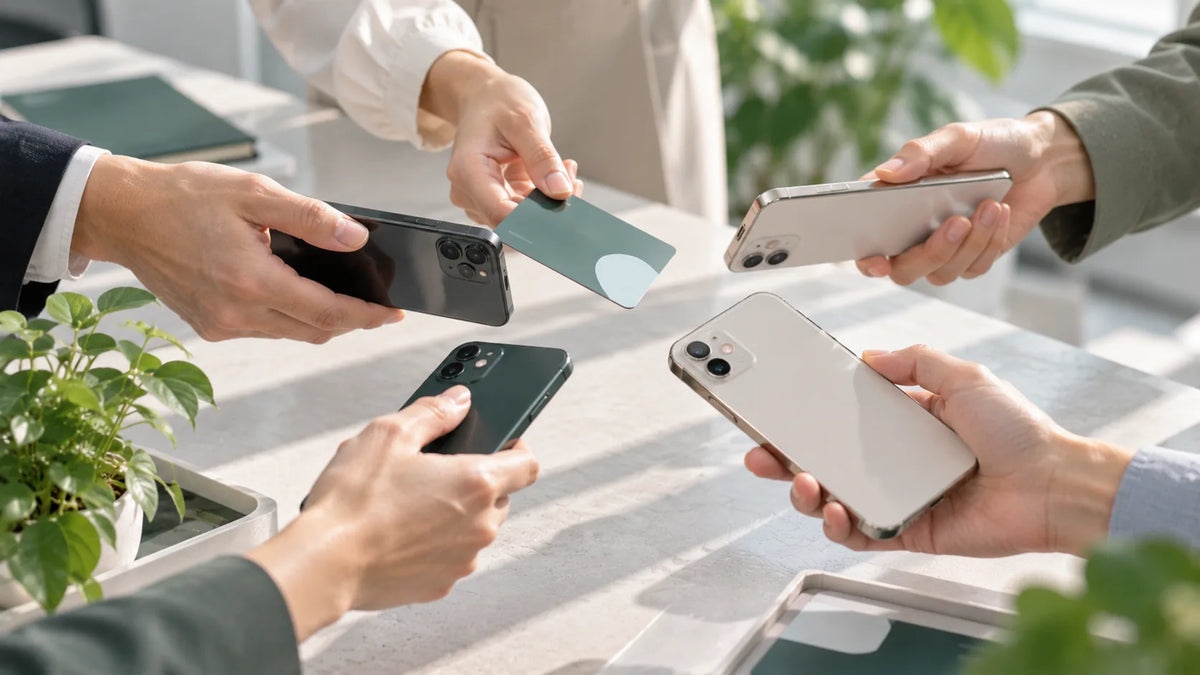
The most common issue people run into with their first NFC business card is: “It works on my phone, but nothing happens on my client’s.” How an NFC business card works isn’t complicated, but support and reading spots vary from phone to phone. Here are the most frequently asked compatibility questions, so you can troubleshoot quickly.
How Does an NFC Business Card Work?
NFC (Near Field Communication) is a short-range wireless technology. An NFC business card contains a chip that stores your digital business card’s URL. When the card comes near an NFC-enabled phone, the phone reads the URL and opens your digital business card page. The card itself needs no battery and never needs charging.
Which Phones Can Read It?
- iPhone: iPhone XR and later can read it directly when the screen is on; iPhone 7, 8 and X need the “NFC Tag Reader” turned on from Control Center
- Android: NFC-capable phones running Android 8 or later; make sure NFC is turned on in Settings
Where Should the Card Touch the Phone?
On iPhone, the reading area is at the top edge near the camera. On Android phones, it’s usually in the center or lower part of the back, depending on brand and model. Keep the card within about 5 cm of the phone and hold it there briefly so the phone can read it.
Does the Other Person Need to Install an App?
No. After tapping, the other person’s phone opens your digital business card in the browser, where they can save the contact, make a call or tap the links on your card. Only the cardholder needs the SPIDERCARD app to pair the card and edit its content.
What If It Won’t Read?
- Make sure the other person’s screen is on and NFC is turned on
- Reposition the card, moving it slowly across the reading area
- Remove a thick or metal phone case and try again
- If it still won’t read, scan the QR code on the card instead; it opens exactly the same content as tapping
Tips for Use and Care
NFC works by electromagnetic field, so when not in use, avoid leaving the card in high heat, near magnets or on a wireless charger for long periods, and don’t bend it, as this can affect reading. Also note that opening a digital business card requires an internet connection, so the other person’s phone must be online to display it properly.
Keep a QR code as backup, and you’ll never worry about a client’s phone failing to read your card.
Rolling Out Across Your Team?
For personal use, just make sure common phones can read it smoothly. For a company-wide rollout, you’ll also need to consider brand guidelines, data security and training. Further reading: 5 Things You Must Evaluate Before Rolling Out NFC Business Cards. To find the right card for you, visit the SPIDERCARD NFC business card shop.