
Are Digital Business Cards Secure? Data Protection and Access Control
Digital business cards mostly hold public contact details, but companies still need clear data protection and access rules. Here’s what to confirm before rollout, from public fields and permissions to staff changes and system security.
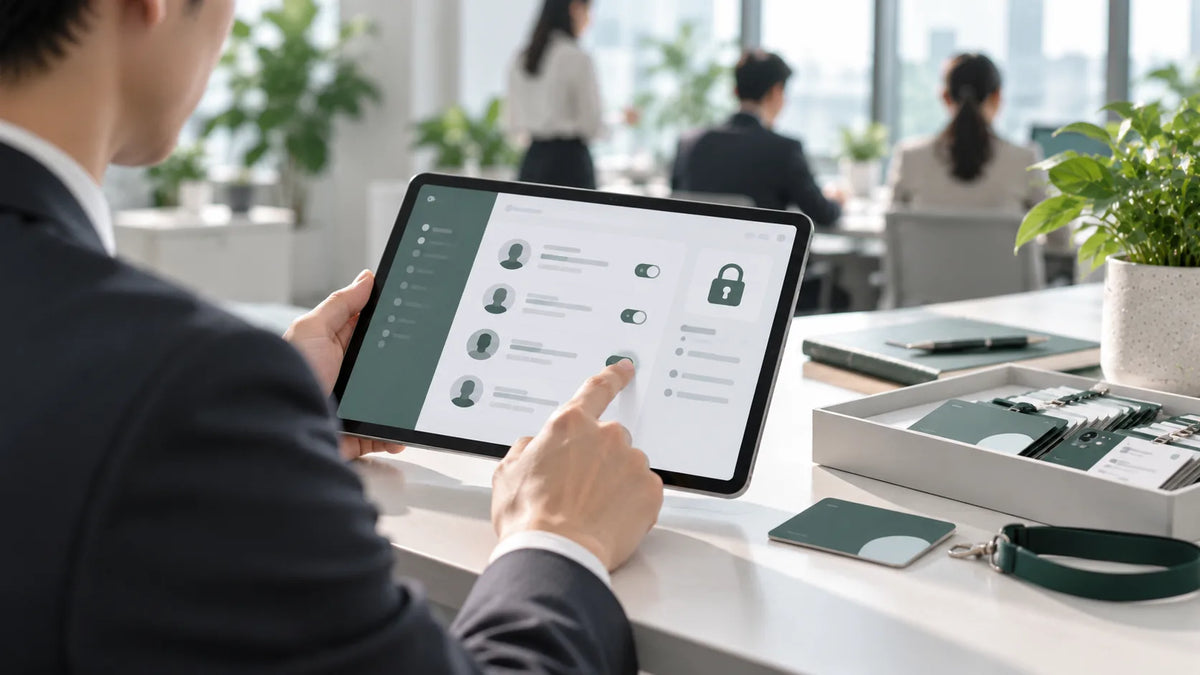
When companies adopt digital business cards, the question IT and legal ask most is: “Is our data safe online?” It deserves a serious answer. Most of what’s on a digital business card is public information that would appear on a paper card anyway, but once cards are managed centrally in a system, you need clear rules for data protection and access control: who can view, who can edit, and what happens when someone leaves.
First, Decide What Should Be Public
A business card exists so people can reach you, but that doesn’t mean every detail belongs on it. Decide together with legal:
- Required: name, job title, company, office phone and email
- Optional: mobile number, LINE and personal social accounts, made public at the employee’s discretion
- Not recommended: national ID numbers, home addresses and other personal data unrelated to contact
Access Control: The Right People Doing the Right Things
A common approach for multi-site companies is tiered management by organization: headquarters owns company-wide templates and rules, while each branch or department admin manages only their own members. SPIDERCARD for Business lets you set management scopes by branch, office and department, reducing the risk and cost of cross-unit maintenance.
Staff Changes: Where Gaps Most Often Appear
When people leave or transfer, the biggest worry is old cards still circulating and clients contacting someone who’s no longer there. Set up a standard process:
- Deactivate the card in the admin console on the employee’s last day
- Confirm client contacts have been handed over to the colleague taking over
- Collect or reassign the physical NFC card
With SPIDERCARD, for example, you can unlink the NFC card in the admin console and reassign it directly to a new employee.
System Security: Check Your Vendor’s Basic Defenses
When evaluating a digital business card service, check a few basics. Taking SPIDERCARD as an example:
- Cloud infrastructure: built on Microsoft Azure cloud infrastructure
- Sign-in verification: two-factor authentication (2FA) at sign-in adds layered protection for business accounts
- Encryption in transit: all data is protected with SSL/TLS encryption in transit
- Activity monitoring: login records are kept, with real-time email alerts sent to admins
The goal of access design is simple: people who should see it can, and people who shouldn’t, can’t.
Write the Rules Down and Review Them Regularly
Security isn’t a one-time setup. Before rollout, document your public fields, admin permissions and staff-change process as internal policy, and review the admin list and deactivated accounts every quarter. For more on data security in SPIDERCARD for Business, visit SPIDERCARD for Business. Further reading: 5 Things You Must Evaluate Before Rolling Out NFC Business Cards.