Business Cards on Day One: Smoother Onboarding with Digital Cards
Printed cards can take a while to arrive. With digital business cards, new hires get theirs on day one, with a standard template and reusable NFC cards, so they can visit clients with confidence in week one.

A new hire’s first week is packed with training and client visits, yet their business cards are often still at the printer. From request and proof approval to printing and delivery, it can take a while, and in the meantime they’re reciting phone numbers and handwriting emails. It looks unprofessional, and clients can easily get the details wrong. A digital business card brings that wait down to zero.
Three Waits in the Traditional Card Process
- Waiting for details: HR, managers and admin staff going back and forth to confirm titles and extensions
- Waiting for printing: ordering, proofing and shipping all take time
- Waiting for updates: when titles change after probation, it all starts again
Digital Business Cards: Ready on Day One
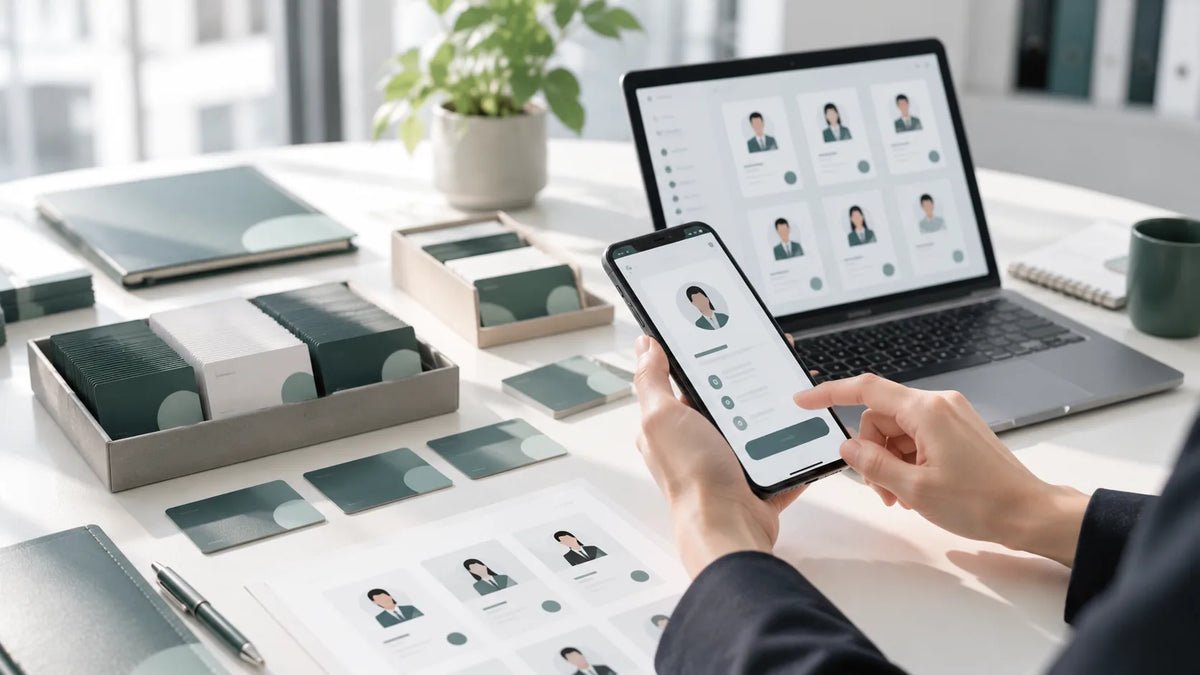
With company digital business cards, admins can create a new hire’s card in the admin console using the company’s standard template before they even arrive, then activate it on their first day. On their very first client visit, new hires can share a card just as professional as their senior colleagues’.
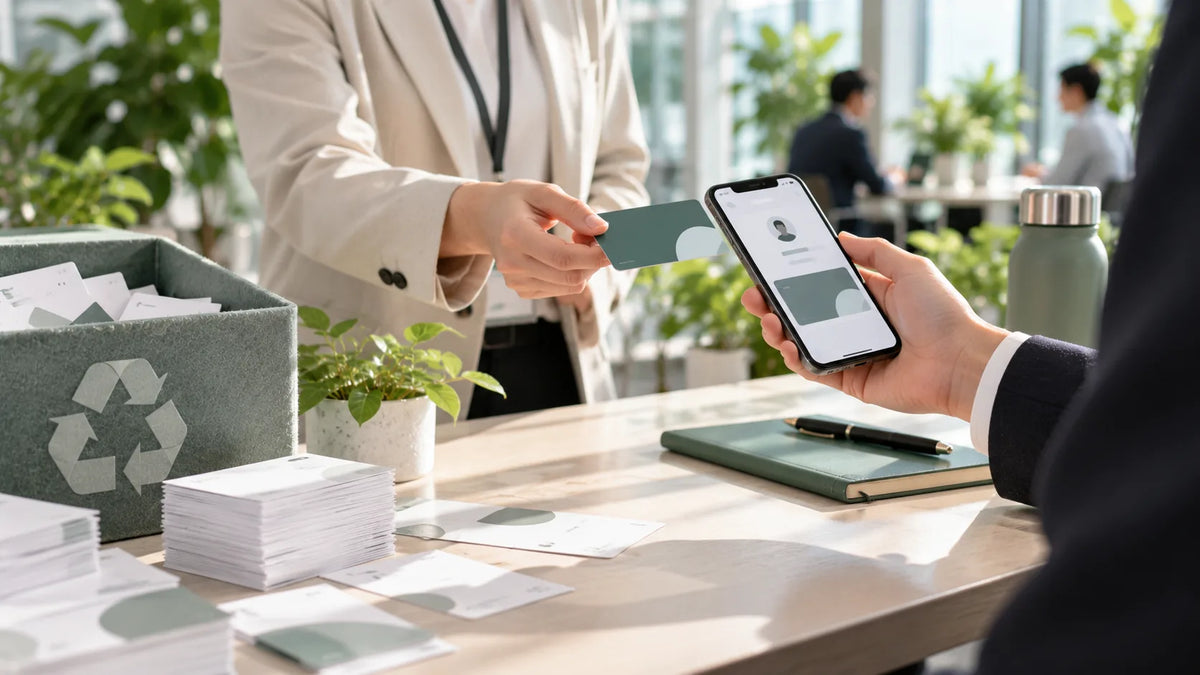
Sharing is intuitive for new hires, too: send a link, let the other person scan a QR code, or tap an NFC business card. Recipients don’t need to install any app to see complete contact details and save them to their phone.
A Recommended Onboarding Card Process
- Before day one: HR provides the name, department and title, and an admin creates the card in the admin console
- Day one: the new hire downloads the SPIDERCARD app, signs in and checks the details
- First week: the manager demonstrates the sharing options (link, QR code, NFC tap), and the new hire tries sharing once with a colleague
NFC Cards Can Be Reused, Too
If your team uses physical NFC business cards, you don’t need a new card for every new hire. When an employee leaves, unlink the NFC card in the admin console and reassign it to a new employee, which also reduces the waste of cards discarded at departure. Further reading: Paperless Business Cards: 4 Steps to Cut Carbon for ESG.
Title Changes? The Card Keeps Up Automatically
When probation ends, or someone gets promoted or transfers, just update the details in the admin console. Every card already shared shows the latest title, so clients always see accurate information.
Good for New Hires, Managers and Clients
- New hires: an official business card from day one, and more confidence on client visits
- Managers and admins: create and update cards centrally in the admin console, with no more chasing the printer
- Clients: complete, accurate details they can save to phone contacts in one tap
Giving new hires a business card on day one is a welcome for them and a courtesy to your clients.
Try It with Your Next New Hire
To experience this process, sign up for the 14-day free trial of SPIDERCARD for Business, create a card for your next new hire and walk through onboarding once before deciding on a full rollout.